Designer Has Officially Left Beta. Here's Everything That's New.
Today marks one of the biggest milestones for Designer since it first launched.
After months of feedback, testing, and countless improvements, Designer is officially out of beta. What started as an experimental browser-based image composer has grown into a much more capable creative workspace, and this update introduces some of our most requested features yet.
Whether you're creating social media graphics, product mockups, marketing assets, presentations, or print-ready designs, Designer is now faster, more flexible, and more powerful than ever.
Browse Stock Photos Without Leaving Designer
One of the biggest additions is built-in stock photo support.
Instead of opening multiple browser tabs to search for images, you can now browse and insert high-quality stock photography directly inside Designer. Finding backgrounds, textures, landscapes, lifestyle imagery, and product photography is now part of your design workflow, helping you spend less time searching and more time creating.
It's a small change that makes a surprisingly big difference during everyday projects.
Icons at Your Fingertips
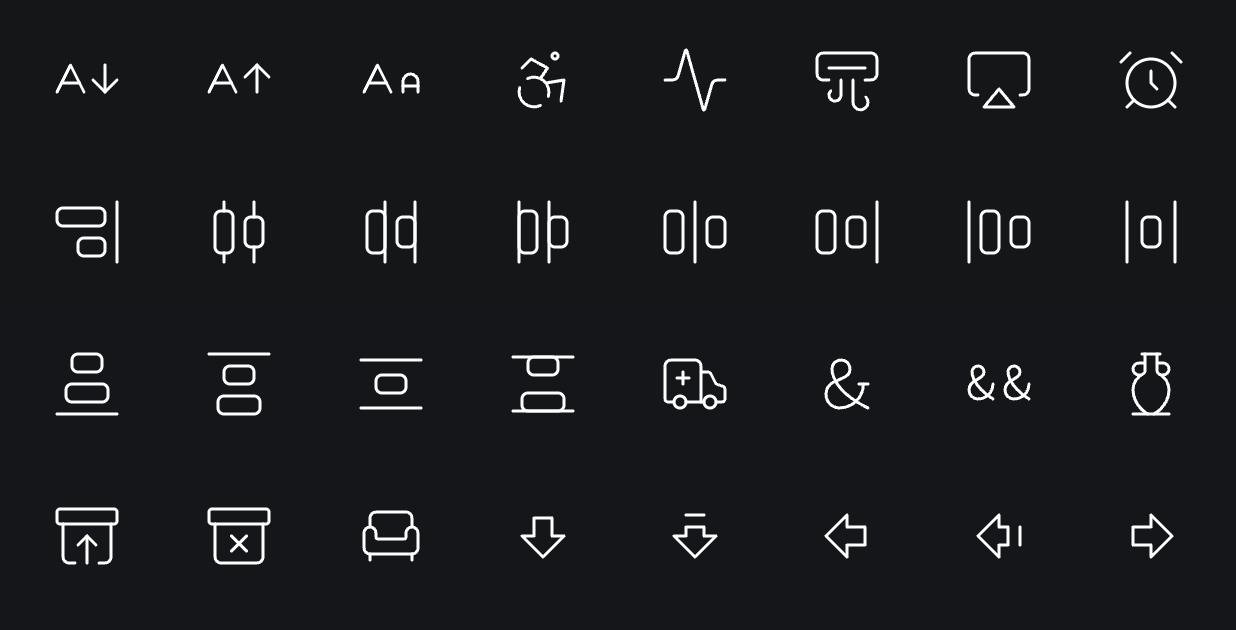
We're also excited to introduce the new Icon Browser.
Rather than downloading SVGs from different websites, you can now search an extensive collection of icons directly from within Designer and add them to your design in seconds.
We plan on expanding the number of icons in the Icon Browser over time.
Whether you're designing websites, dashboards, mobile apps, presentations, packaging, or marketing materials, having icons available exactly when you need them keeps your creative flow uninterrupted.
Combined with FrameSpace's growing collection of creative tools, Designer is becoming an even stronger all-in-one design workspace.
Export Individual Layers
Another highly requested feature has arrived.
You can now export individual layers without needing to duplicate your document or hide unwanted elements first.
This makes it much easier to create icon packs, asset libraries, UI elements, stickers, and social media graphics directly from a single Designer project.
Better Support for Print Design
Designer is no longer limited to digital design.
This update introduces several features designed for print workflows, including:
-
CMYK and RGB workspace options
-
PDF export
-
Bleed support for print-ready artwork
Whether you're designing flyers, posters, business cards, packaging, or marketing materials, preparing artwork for print is now significantly easier.
Lots of Quality of Life Improvements
Alongside the headline features, we've also shipped dozens of smaller improvements throughout Designer.
From workflow refinements to interface polish and performance improvements, we've focused on making the editor feel smoother and more intuitive during everyday use.
Many of these updates came directly from community feedback, and we'll continue improving the experience with every release.
Designer Is Just Getting Started
Although Designer has officially left beta, this isn't the finish line. It's the beginning of a much larger vision.
We're continuing to expand the editor with new creative tools, smarter workflows, improved performance, and deeper integration across the FrameSpace ecosystem.
If you've tried Designer before, now is the perfect time to jump back in and explore everything that's changed.
And if you're opening Designer for the first time, there's never been a better moment to start creating.
Thank you to everyone who has shared feedback, reported bugs, and helped shape Designer during its beta journey. Your support has played a huge part in getting us here, and we're incredibly excited for what's coming next.
Open Designer now.