Canvas Beta Is Now Live Inside FrameSpace
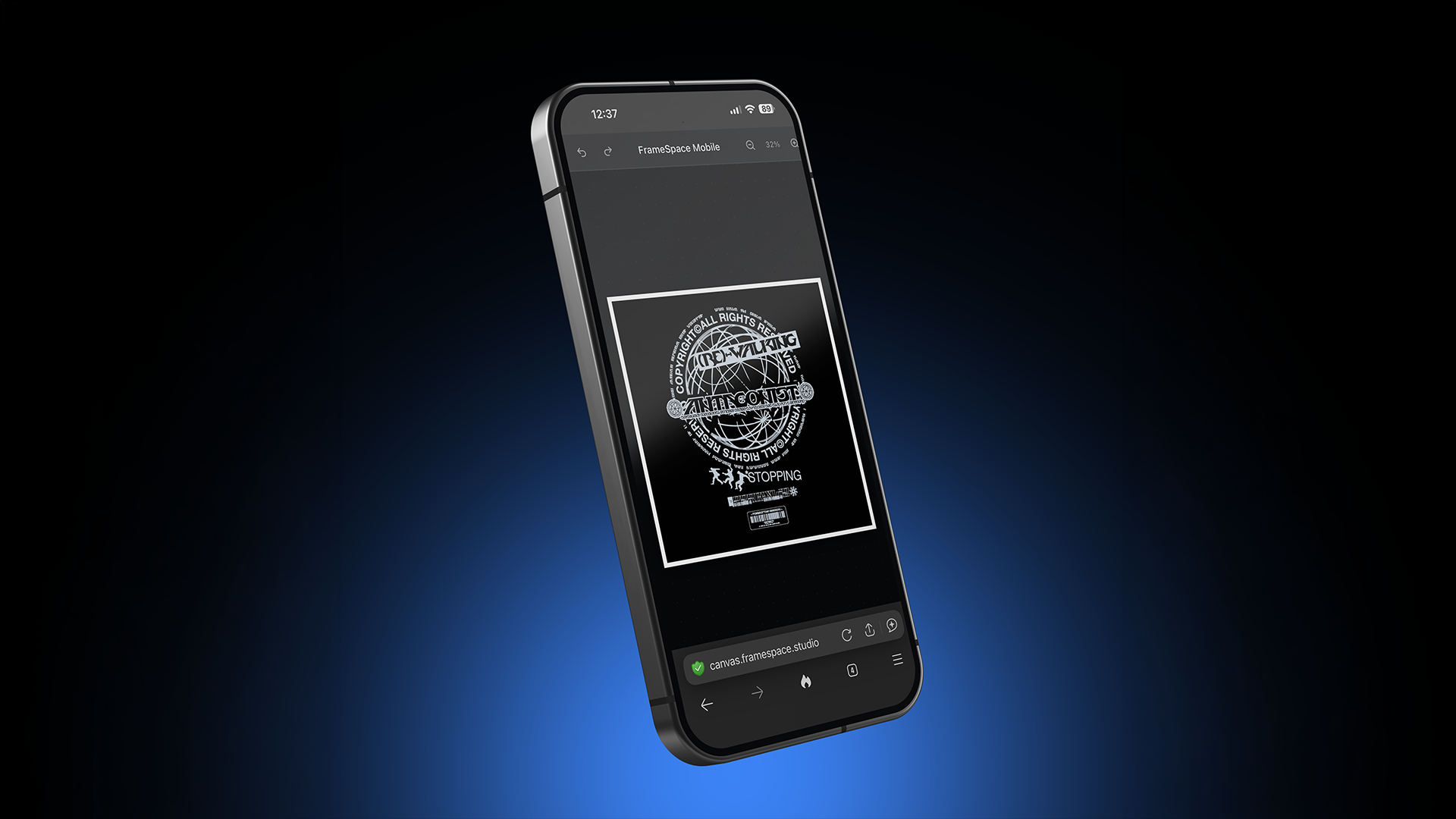
The FrameSpace team has officially opened the beta for Canvas, our new browser-based composition editor built for layered design, smart objects, paint workflows, and fast visual creation directly in the browser.
Canvas started as a lightweight layout experiment and gradually evolved into a much more capable creative workspace. The current beta combines layered editing, drag-and-drop assets, smart object workflows, raster painting, clipping masks, export tools, and responsive canvas controls into a single browser-based editor.
Whether you are building social graphics, editorial layouts, product visuals, thumbnails, or experimental compositions, Canvas is designed to keep the workflow fast, visual, and flexible.
What Is Canvas?
Canvas is a browser-based composition editor built around a familiar creative workflow:
- Layer-based editing
- Drag-and-drop assets
- Smart objects
- Raster painting and erasing
- Shapes and typography
- Layout guides and rulers
- Local autosave
- High-resolution export
The beta introduces the full foundational workspace currently powering the editor.
A Real Layer-Based Design Workflow
Every visual element inside Canvas exists as a layer. The current beta supports:
- Image layers
- Text layers
- Shape layers
- Smart Objects
- Paint layers
Each layer includes editable properties such as opacity, blend modes, rotation, visibility, locking, and stacking order.
The goal was to make Canvas feel fast and intuitive while still supporting the kinds of workflows designers expect from larger desktop creative software.
Features currently available include:
- Multi-select layers
- Drag-to-reorder layer stacks
- Clipping masks
- Keyboard shortcuts
- Blend modes
- Inline renaming
- Layer duplication
- Precision nudging
Canvas also supports advanced blend modes including Multiply, Screen, Overlay, Difference, Color Dodge, and Soft Light.
Smart Objects Are Included In The Beta
One of the biggest additions in the Canvas beta is support for Smart Objects.
Smart Objects allow groups of layers to become editable sub-compositions while behaving as a single layer in the main document.
Inside the beta you can:
- Convert selections into Smart Objects
- Open nested compositions
- Edit grouped artwork non-destructively
- Preserve transforms and blending
- Stage edits before committing changes back to the parent document
The system was built to make larger compositions easier to organise without flattening or destructively merging artwork.
The Paintbrush And Eraser System
Canvas now includes a full raster paint pipeline directly inside the browser.
The brush system supports:
- Adjustable brush size
- Opacity controls
- Hardness controls
- Smoothing
- Custom colours
- Real transparency erasing
The eraser works directly on paint layers, but can also rasterize shapes, images, and text layers in place when edited destructively.
This means users can quickly move between structured composition work and more experimental image editing workflows without leaving the editor.
Built-In Layout Tools
Canvas includes a full set of layout aids designed for precision work:
- Rulers
- Grid overlays
- Drag-out guides
- Zoom controls
- Canvas presets
The current beta ships with presets for:
- 1080 × 1080 square
- 1920 × 1080 landscape
- 1080 × 1350 portrait
- 1080 × 1920 story layouts
Backgrounds can also switch between transparent, solid colour, or uploaded image modes at any point during editing.
Drag-And-Drop Assets And Shapes
The beta includes a built-in asset system for uploaded artwork and reusable elements.
Users can:
- Drag files directly from their OS
- Upload multiple images
- Place assets directly on the canvas
- Reuse uploaded artwork
- Drag shapes directly into compositions
Canvas currently includes 15 editable shape types including:
- Rectangles
- Circles
- Arrows
- Stars
- Hearts
- Crosses
- Hexagons
- Diamonds
- Parallelograms
All shapes support editable fill, stroke, shadow, opacity, and transforms.
Autosave And Export
The current beta uses local autosave with project management built directly into the editor.
Projects can be:
- Renamed
- Duplicated
- Deleted
- Reopened later
- Started from presets
Canvas also supports exporting compositions with:
- Paint layers
- Smart Objects
- Blend modes
- Clipping masks
- Transparent backgrounds
Keyboard Shortcuts Included
The beta already includes a large shortcut system for faster workflows.
Current shortcuts include:
- Brush tool
- Eraser tool
- Undo / redo
- Duplicate
- Zoom controls
- Layer ordering
- Smart Object creation
- Precision nudging
- Save shortcuts
The system also respects text input focus so shortcuts do not interfere while editing labels or text layers.
What Comes Next?
Canvas is still actively evolving.
The roadmap currently includes:
- Pressure-sensitive brush input
- Smart Object linking across projects
- Vector boolean operations
- PDF export
- Multi-artboard support
- Slice export workflows
The beta release is intended as a foundation for the next stage of development, and feedback from early users will directly shape where the editor goes next.
Try The Canvas Beta
The Canvas beta is now available inside FrameSpace.
If you have been looking for a fast browser-based composition editor with layers, smart objects, paint workflows, and modern export tools, now is the perfect time to jump in and start experimenting.
Canvas Beta Is Now Live Inside FrameSpace
The FrameSpace team has officially opened the beta for Canvas, our new browser-based composition editor built for layered design, smart objects, paint workflows, and fast visual creation directly in the browser.
Canvas started as a lightweight layout experiment and gradually evolved into a much more capable creative workspace. The current beta combines layered editing, drag-and-drop assets, smart object workflows, raster painting, clipping masks, export tools, and responsive canvas controls into a single browser-based editor.
Whether you are building social graphics, editorial layouts, product visuals, thumbnails, or experimental compositions, Canvas is designed to keep the workflow fast, visual, and flexible.
What Is Canvas?
Canvas is a browser-based composition editor built around a familiar creative workflow:
- Layer-based editing
- Drag-and-drop assets
- Smart objects
- Raster painting and erasing
- Shapes and typography
- Layout guides and rulers
- Local autosave
- High-resolution export
The beta introduces the full foundational workspace currently powering the editor.
A Real Layer-Based Design Workflow
Every visual element inside Canvas exists as a layer. The current beta supports:
- Image layers
- Text layers
- Shape layers
- Smart Objects
- Paint layers
Each layer includes editable properties such as opacity, blend modes, rotation, visibility, locking, and stacking order.
The goal was to make Canvas feel fast and intuitive while still supporting the kinds of workflows designers expect from larger desktop creative software.
Features currently available include:
- Multi-select layers
- Drag-to-reorder layer stacks
- Clipping masks
- Keyboard shortcuts
- Blend modes
- Inline renaming
- Layer duplication
- Precision nudging
Canvas also supports advanced blend modes including Multiply, Screen, Overlay, Difference, Color Dodge, and Soft Light.
Smart Objects Are Included In The Beta
One of the biggest additions in the Canvas beta is support for Smart Objects.
Smart Objects allow groups of layers to become editable sub-compositions while behaving as a single layer in the main document.
Inside the beta you can:
- Convert selections into Smart Objects
- Open nested compositions
- Edit grouped artwork non-destructively
- Preserve transforms and blending
- Stage edits before committing changes back to the parent document
The system was built to make larger compositions easier to organise without flattening or destructively merging artwork.
The Paintbrush And Eraser System
Canvas now includes a full raster paint pipeline directly inside the browser.
The brush system supports:
- Adjustable brush size
- Opacity controls
- Hardness controls
- Smoothing
- Custom colours
- Real transparency erasing
The eraser works directly on paint layers, but can also rasterize shapes, images, and text layers in place when edited destructively.
This means users can quickly move between structured composition work and more experimental image editing workflows without leaving the editor.
Built-In Layout Tools
Canvas includes a full set of layout aids designed for precision work:
- Rulers
- Grid overlays
- Drag-out guides
- Zoom controls
- Canvas presets
The current beta ships with presets for:
- 1080 × 1080 square
- 1920 × 1080 landscape
- 1080 × 1350 portrait
- 1080 × 1920 story layouts
Backgrounds can also switch between transparent, solid colour, or uploaded image modes at any point during editing.
Drag-And-Drop Assets And Shapes
The beta includes a built-in asset system for uploaded artwork and reusable elements.
Users can:
- Drag files directly from their OS
- Upload multiple images
- Place assets directly on the canvas
- Reuse uploaded artwork
- Drag shapes directly into compositions
Canvas currently includes 15 editable shape types including:
- Rectangles
- Circles
- Arrows
- Stars
- Hearts
- Crosses
- Hexagons
- Diamonds
- Parallelograms
All shapes support editable fill, stroke, shadow, opacity, and transforms.
Local Saving During Beta
The current Canvas beta uses local saving only. Projects are automatically stored locally in your browser so you can quickly continue working without needing manual saves.
This approach allows us to focus on performance, editor stability, and core workflows during the beta period before introducing larger cloud infrastructure systems.
Cloud saving, synced projects, and expanded project management tools are planned for a future full release.
Export And Project Management
Projects can currently be:
- Renamed
- Duplicated
- Deleted
- Reopened later
- Started from presets
Canvas also supports exporting compositions with:
- Paint layers
- Smart Objects
- Blend modes
- Clipping masks
- Transparent backgrounds
Keyboard Shortcuts Included
The beta already includes a large shortcut system for faster workflows.
Current shortcuts include:
- Brush tool
- Eraser tool
- Undo / redo
- Duplicate
- Zoom controls
- Layer ordering
- Smart Object creation
- Precision nudging
- Save shortcuts
The system also respects text input focus so shortcuts do not interfere while editing labels or text layers.
What Comes Next?
Canvas is still actively evolving.
The roadmap currently includes:
- Pressure-sensitive brush input
- Smart Object linking across projects
- Vector boolean operations
- PDF export
- Multi-artboard support
- Slice export workflows
- Cloud project syncing
The beta release is intended as a foundation for the next stage of development, and feedback from early users will directly shape where the editor goes next.
Try The Canvas Beta
The Canvas beta is now available inside FrameSpace.
If you have been looking for a fast browser-based composition editor with layers, smart objects, paint workflows, and modern export tools, now is the perfect time to jump in and start experimenting.