Designer Beta Now Features Cloud Saving
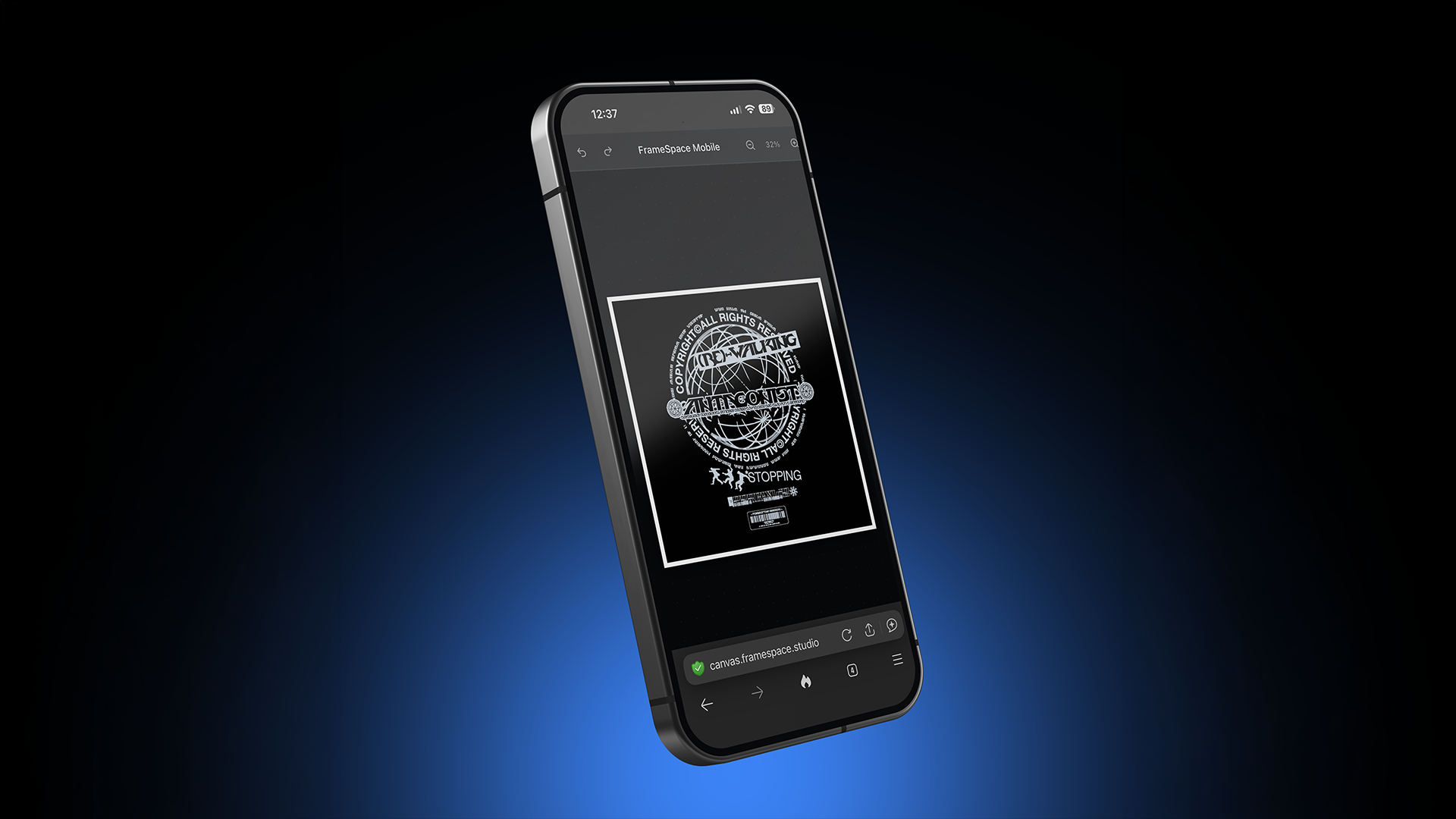
Big news for FrameSpace users: Designer Beta now supports cloud saving.
That means you can now save your Designer projects to your FrameSpace account and come back to them later, making it much easier to pick up where you left off. Whether you are building a quick composition, testing out an idea, or creating something more detailed, your work no longer has to live only in the moment.
Designer is still in beta, so this is very much an evolving creative tool. But cloud saving is a major step forward, and it brings Designer much closer to feeling like a proper browser-based creative workspace.
Save your Designer Beta projects online
Designer Beta was built to help designers and creators compose images, experiment with layouts, and create visuals directly in the browser.
With cloud saving, it now feels much more flexible.
Instead of starting from scratch every time, you can save your Designer Beta projects and return to them later. This is perfect for when you are still exploring an idea, need to pause a project, or want to keep multiple creative directions available inside your account.
Because Designer is still in beta, the experience will continue to improve over time. Features may evolve, limits may change, and the workflow will keep getting refined as the app develops.
Why cloud saving matters
Creative ideas are not always finished in one sitting.
Sometimes you start with a rough layout. Sometimes you build a few different versions. Sometimes you need to step away, come back later, and continue refining the same project.
Cloud saving makes that possible inside Designer Beta.
You can now:
- Save Designer projects to your account
- Return to your work later
- Keep creative ideas organised
- Build on previous compositions
- Work more naturally across sessions
It is a simple feature, but it makes a huge difference to the overall Designer Beta experience.
Storage is currently limited to 100MB per user
At this stage of the Designer Beta, cloud storage is currently limited to 100MB per user.
That might sound small at first, but it should go a lot further than you might expect.
Behind the scenes, FrameSpace uses systems to massively reduce file sizes on the back end. This helps keep saved Designer projects lightweight while still giving you the flexibility to store and revisit your work.
In other words, the 100MB limit is not the same as saving raw, uncompressed files directly. The way files are processed and stored means your available space should stretch much further than it sounds.
As Designer continues through beta, storage behaviour and limits may be reviewed and improved based on how people use the tool.
Built to stay lightweight
One of the main goals with FrameSpace is to keep creative tools fast, lightweight, and easy to access.
Designer Beta cloud saving has been built with that same mindset.
Rather than making saved projects unnecessarily heavy, the system is designed to reduce storage usage where possible. This helps keep the experience smoother for users while making cloud saving practical as Designer continues to grow.
It is another step toward making FrameSpace feel like a proper creative platform, without losing the speed and simplicity that makes browser-based tools so useful.
A better workflow for designers
Designer Beta is especially useful for designers who like to experiment.
You might use Designer to mock up a composition, test a visual style, arrange assets, or quickly explore a new idea. Now, those experiments can be saved and revisited instead of being lost when the session ends.
That makes Designer useful for:
- Image composition
- Visual exploration
- Moodboard-style layouts
- Social graphics
- Creative testing
- Draft concepts
- Ongoing project ideas
It gives you more freedom to create without feeling like everything has to be finished in one go.
Still in beta, and still growing
Designer is still in beta, which means it is actively developing.
That is an important part of this update. Cloud saving is not the final version of Designer. It is part of the foundation for where the tool is heading next.
The aim is to keep improving the experience, refining the interface, and adding features that make Designer more useful for real creative workflows.
So while Designer Beta already gives you a more flexible way to compose and save projects, this is still just the beginning.
Frequently asked questions
Does Designer Beta now save projects?
Yes. Designer Beta now features cloud saving, allowing users to save projects to their FrameSpace account and return to them later.
How much cloud storage do users get?
Designer Beta cloud storage is currently limited to 100MB per user.
Will 100MB be enough?
For most users, it should go further than expected. FrameSpace uses back-end systems to significantly reduce file sizes, which helps make saved Designer projects more storage-efficient.
Can I come back to my work later?
Yes. The purpose of cloud saving is to let you save Designer Beta projects and continue working on them later from your account.
Is Designer still in beta?
Yes. Designer is still in beta, which means the feature set, storage limits, interface, and overall workflow may continue to improve over time.
Designer Beta is becoming a real creative workspace
Cloud saving is a major step forward for Designer Beta.
It makes the app feel more reliable, more flexible, and more useful for real creative projects. You can start something, save it, come back later, and keep building without losing your progress.
Designer is still fast, lightweight, and in active beta development, but now it has the added benefit of saved projects and a more complete workflow.
This is an exciting update for FrameSpace, and it is only the beginning of making Designer an even stronger tool for designers, creators, and visual artists.